 Keep on climbing
PlatformerPlaying now—
CubeRise
Climb the shared tower, dodge moving enemies and jump your way to a new personal best.
One shared roomPlay
How to play & controls Four colourful balls set off through forests, crystal caves and islands in the clouds. Jump over gaps, time your way past traps and wait for anyone who falls behind: everyone must reach the finish to complete a level. Explore 15 worlds with increasing difficulty and individual time limits.
Play for free — opens in a new tabThe game opens in a new tab. An internet connection is required.

Left/right arrows or A/D to move; up, W or space to jump; Esc opens the menu.
Use the left buttons to move and the right button to jump. Movement and jump can be held together.
Yes. Starting alone adds three bot teammates. They use the same physics and traps and can make mistakes too.
Fifteen. Wider gaps, faster traps and combinations of hazards make later worlds harder. Every level has one checkpoint.
Yes. The server saves unlocked levels for your browser profile. A new room can start at an unlocked world; mixed-progress teams start at the highest world available to everyone.
The menu pauses the timer when you play with bots. In a room with other people, the shared timer keeps running.
Keep on climbingClimb the shared tower, dodge moving enemies and jump your way to a new personal best.
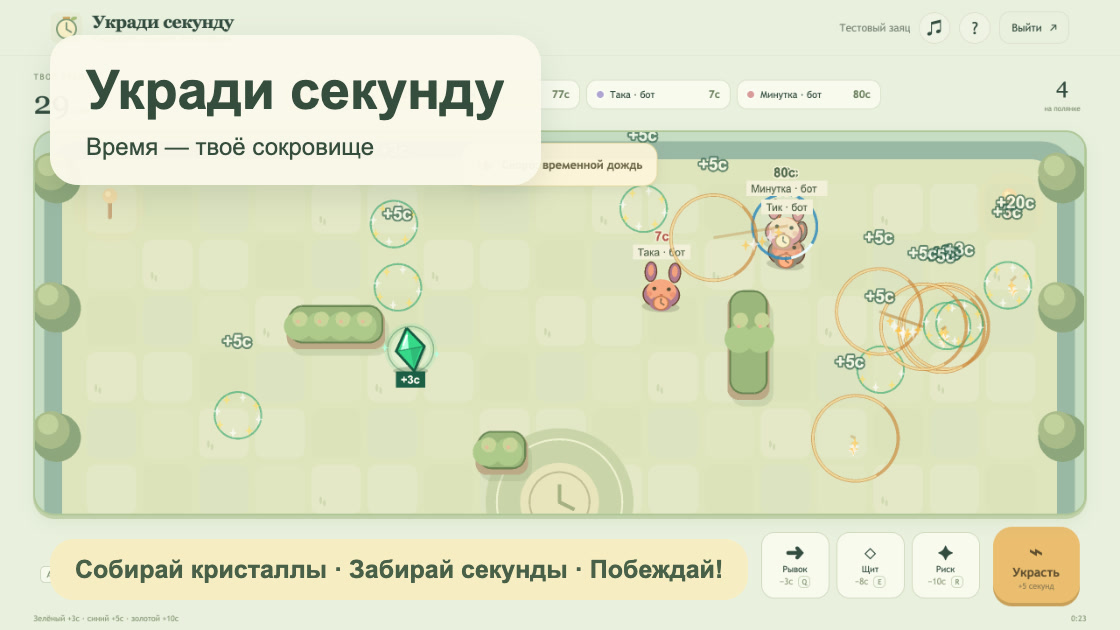 Just one more round
Time is your lifeline. Collect extra seconds, attack your rivals and outlast everyone on the arena.
 One team, one treasure
Match three, restore pieces of a shared relic and uncover new treasures together before time runs out.